Plan the Day, Route the Crews
See every Service on Base, drag work between teams and days, and send each crew a Route in the order that saves the most driving.
Start Sign-Up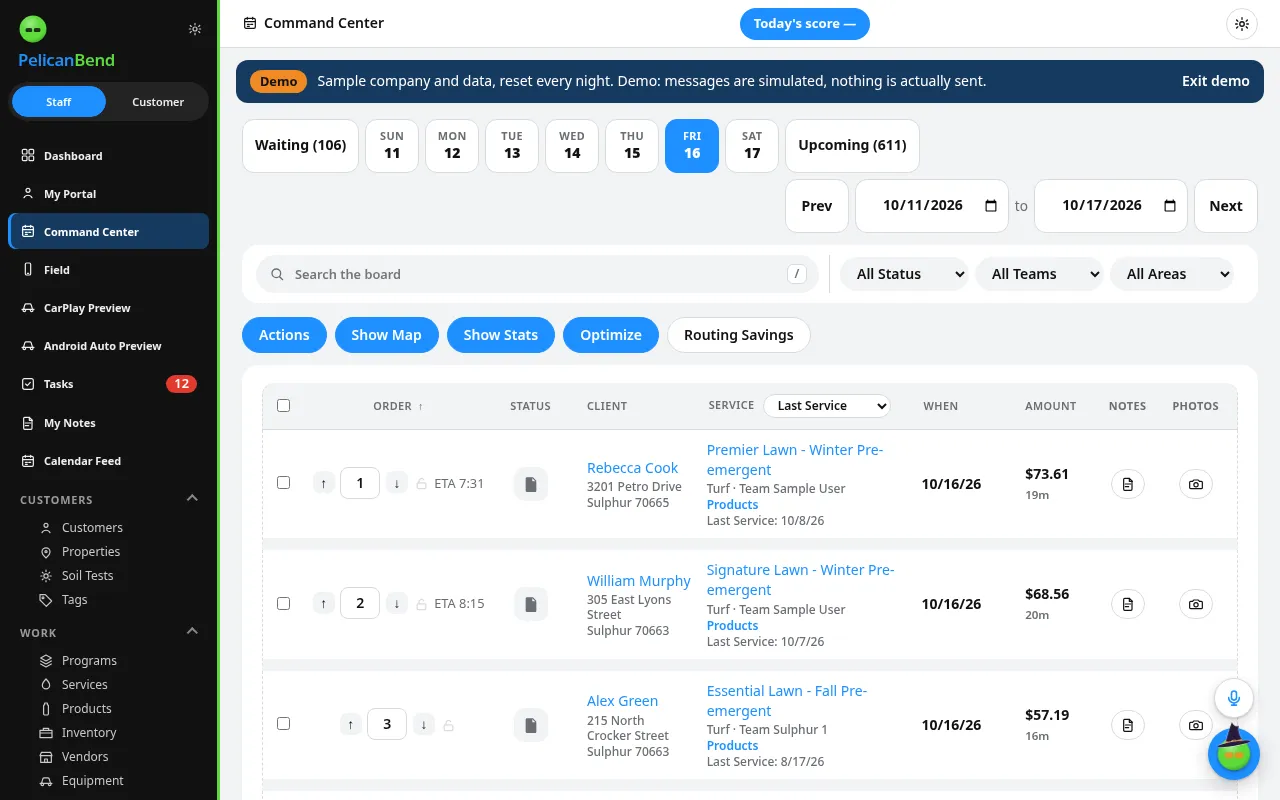
Base: the Whole Day on One Board
Every Service by team and status. Move a job and the crew sees it right away.
- Drag work between teams and days
- See who is clocked in
- Re-route when a crew runs behind
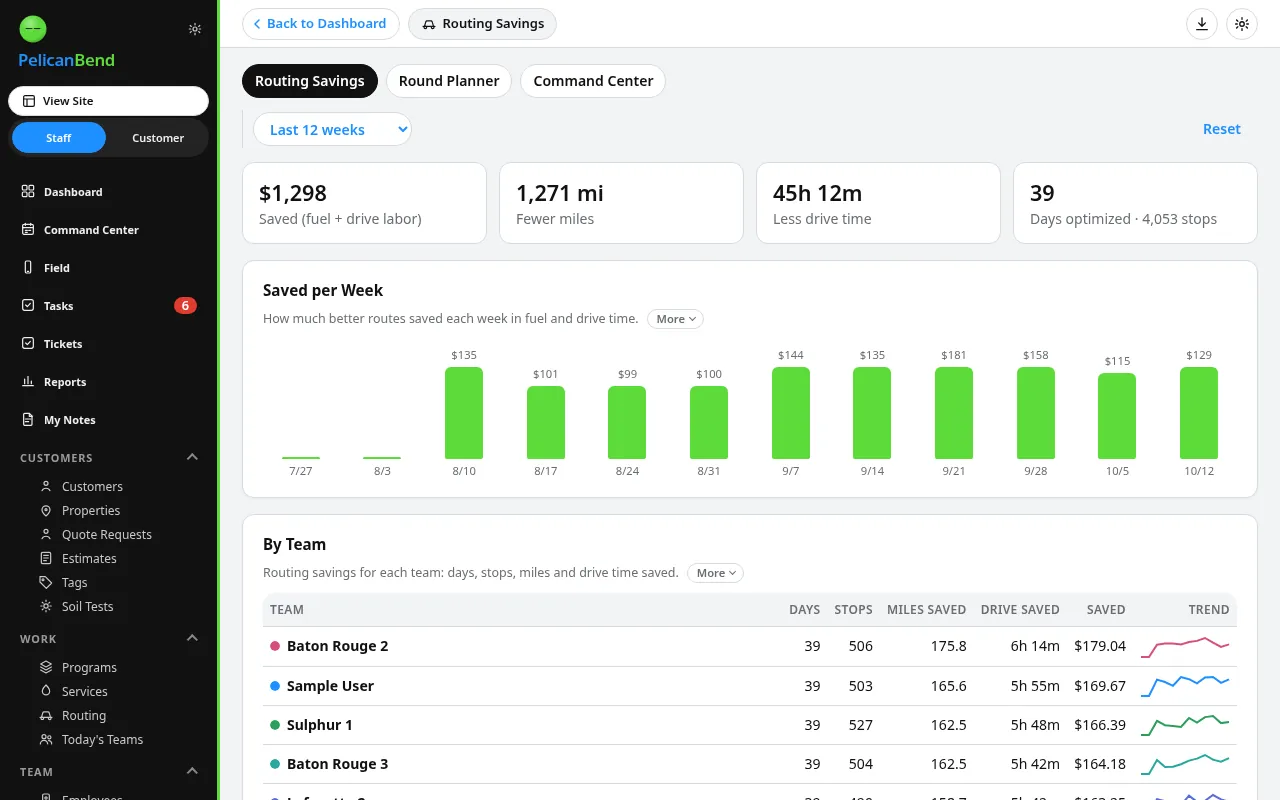
Smart Routing
Put the day in driving order with one tap and see when each crew is running behind.
- Order stops by drive time
- Behind-schedule banner
- Teams and their own Routes
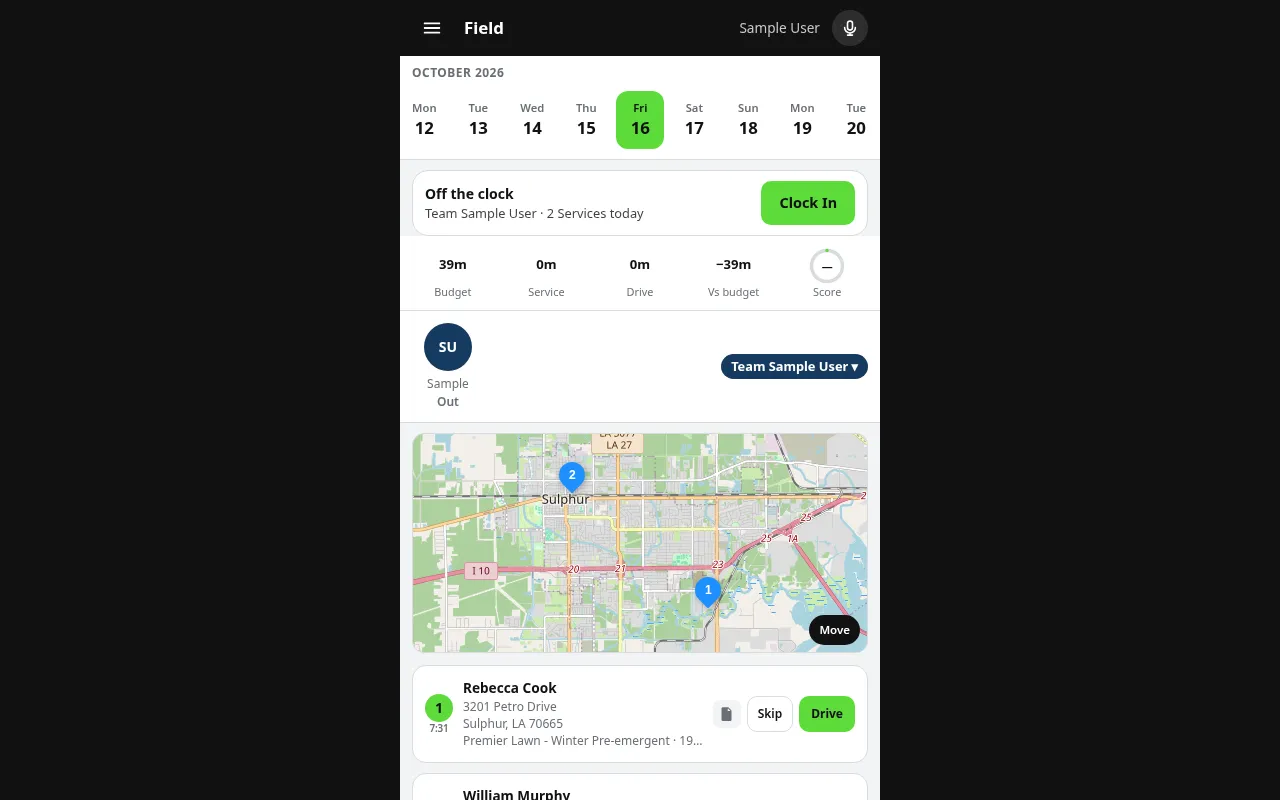
Route: What the Crew Sees
The crew opens Route on the phone: the stops, the notes, the gate code and what to apply.
- Turn-by-turn order
- Photos and notes on each stop
- Finish a Service in a few taps
Questions
Does routing cost extra?
Smart Routing and Teams come with Crew and up. See Compare Plans on Pricing.
Can the office change a Route during the day?
Yes. Changes on Base show on the crew's Route right away.
Does it work for one truck?
Yes. Solo covers one person who runs the office and does the work.