Your Whole Day on One Screen
Widget mode puts the board, weather, chat, Route and any page side by side. The Sprowtz Dock keeps every tool one tap away, on the computer and the phone.
Try the live demo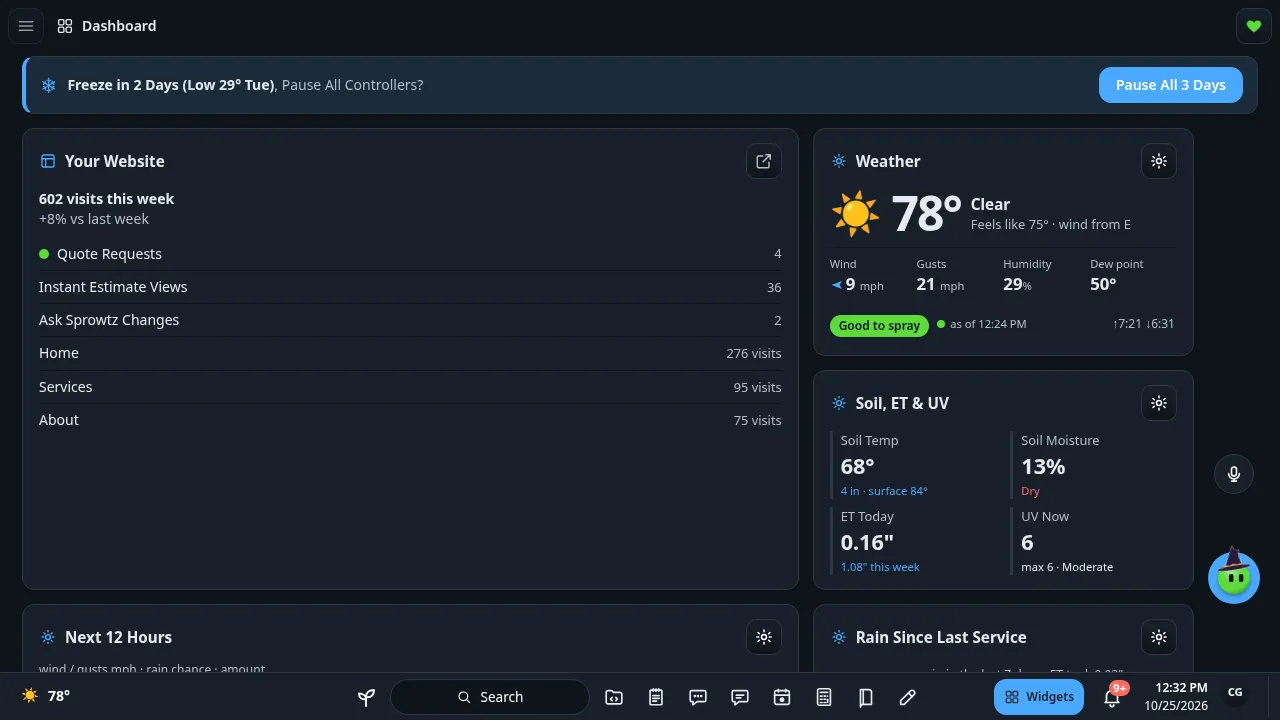
Widget Mode
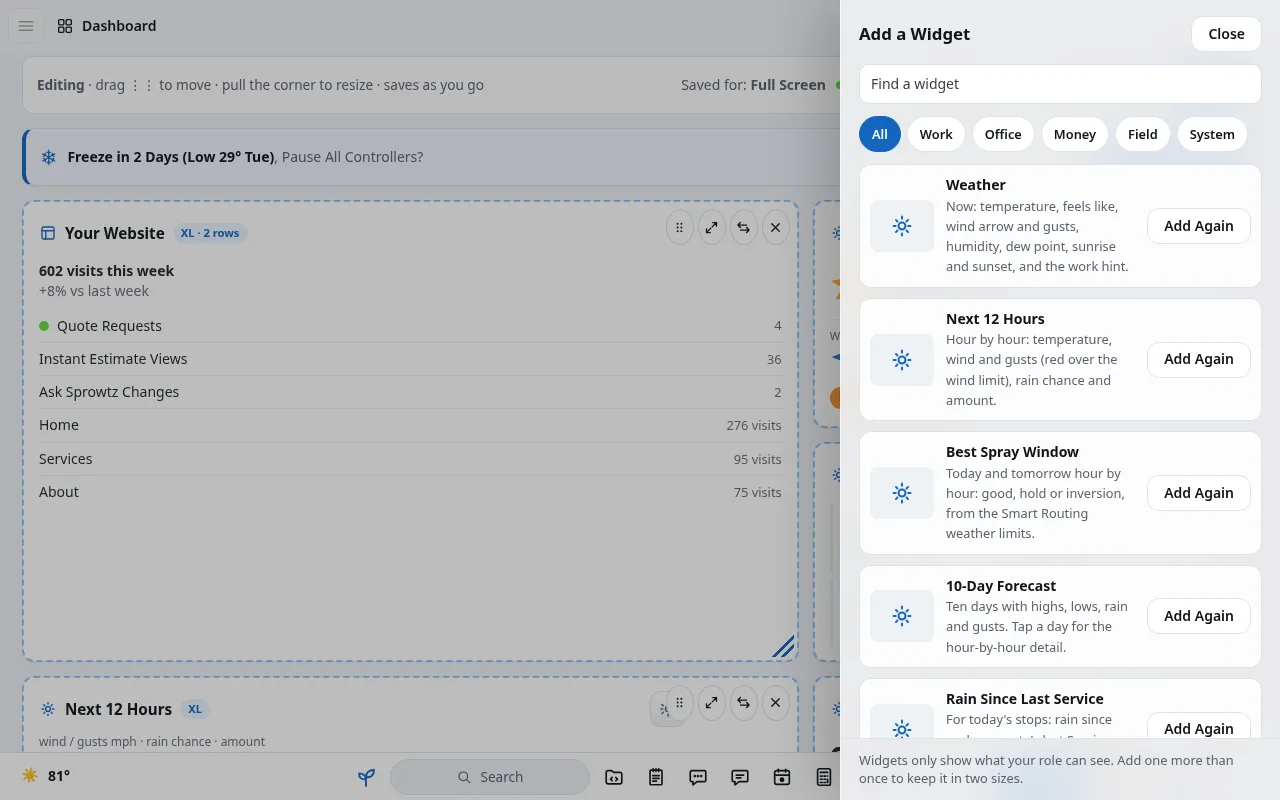
One switch turns the screen into a board of cards you pick and arrange.
- Pick your cards
- Open any page in a card
- Saved per screen: Full Screen, Computer, Phone
Sprowtz Dock
A bar along the bottom with search, your tools, the bell and the clock.
- Every tool one tap away
- Search from anywhere
- Works with the menu closed

Same on the Phone
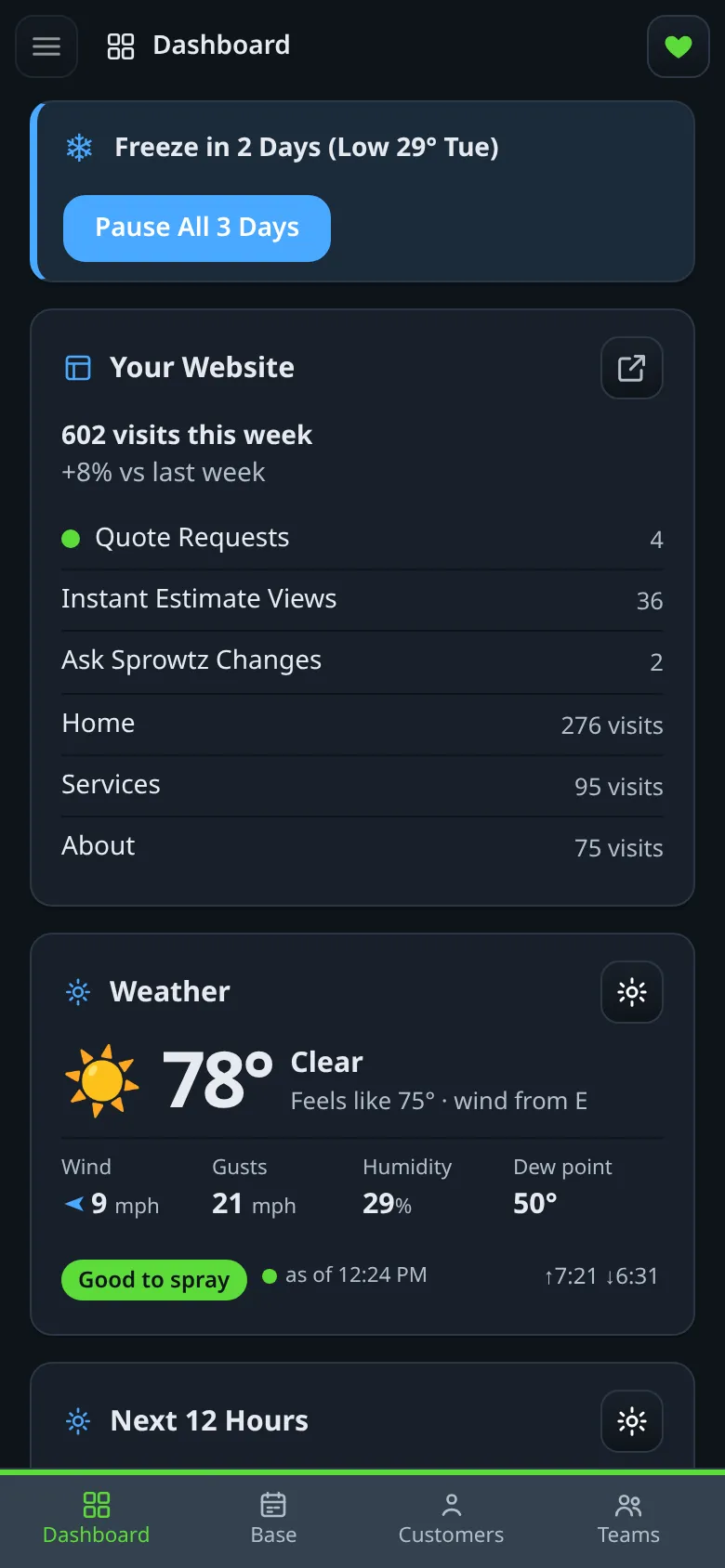
The phone shows the same cards in one column with a bottom bar for Dashboard, Base, Customers and Teams.
- Same cards, phone sized
- Updates both ways
- No extra app to learn
Questions
Is Widget mode on every plan?
Yes. Every plan has Widget mode and the Sprowtz Dock.
Can each person set it up their own way?
Yes. Each person picks their own cards, and it remembers.
Can I turn it off?
Yes. One switch goes back to the normal menu.